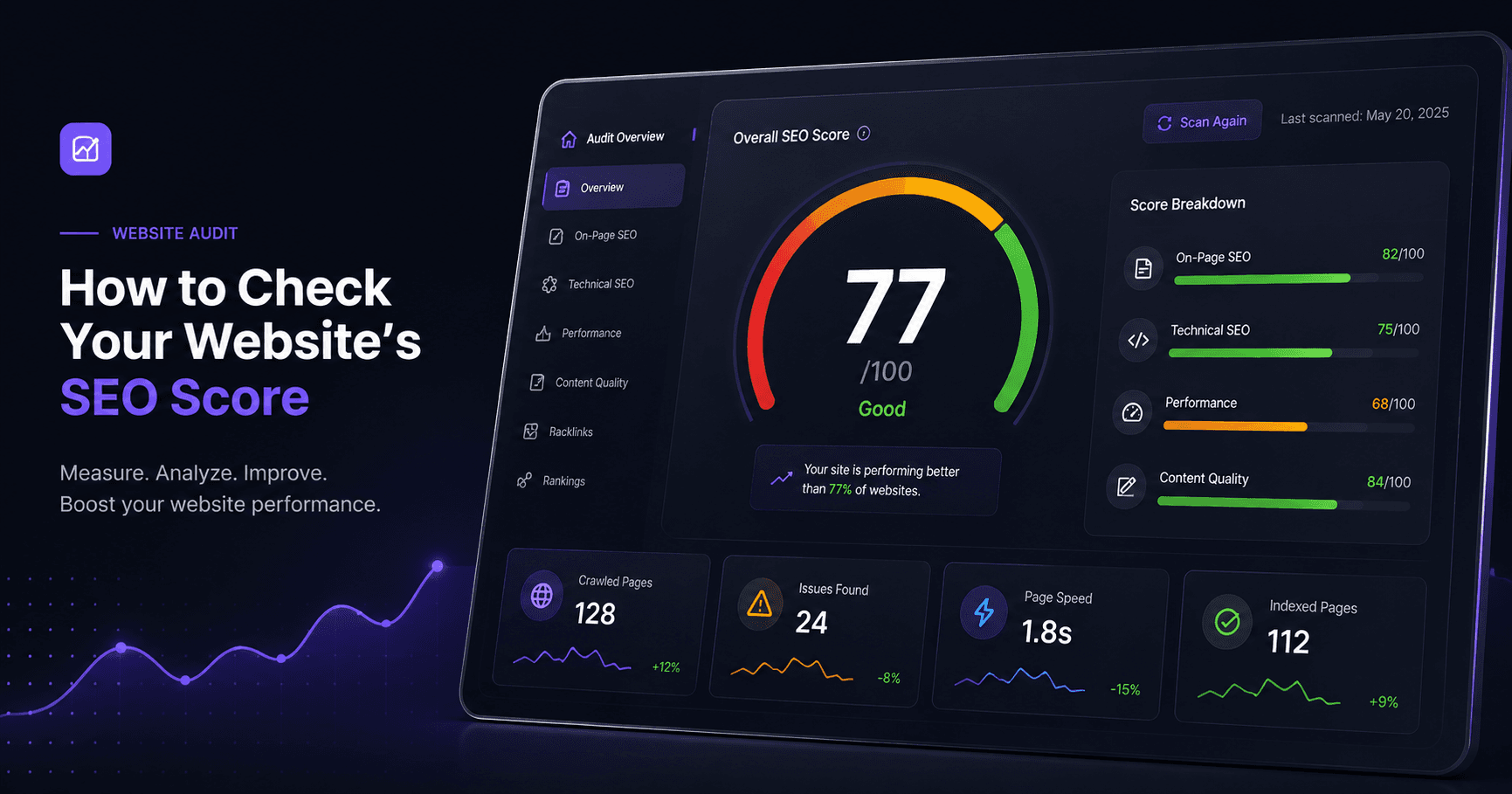
Most business owners who search for how to check website SEO score end up with the same result: a percentage between 0 and 100, a list of red and orange warnings, and no real idea what to do next. We have run this exact process on more than 60 client sites since 2023, across taxi firms, packaging companies, e-commerce stores and trades businesses, so we know where the confusion usually starts. It starts with treating the score as the goal instead of treating it as a symptom.
This post walks through what an SEO score is actually measuring, how to check yours properly, and what to do once you have the number. If you want to run the check yourself while you read, our free SEO Audit Tool does the scan in about 30 seconds and does not ask for a credit card first.
What an SEO score actually measures
An SEO score is not a Google ranking prediction. Google has never published a single score for any page, and nobody outside Google actually knows the full ranking algorithm. What tools like ours, Semrush's Site Audit, Seobility and Sitechecker produce instead is a health check: a count of technical and on-page issues, weighted by how much they typically matter, converted into a number that is easy to glance at.
That number usually comes from checking things like your title tags and meta descriptions, whether your headings are structured properly, whether images have alt text, how fast your pages load, whether your site is mobile friendly, whether you have broken links or redirect chains, and whether basic technical items like an XML sitemap and robots.txt are in place. Sitechecker starts every page at 100 and deducts points per error. Seobility scores across roughly 200 factors and buckets results into strong, needs work, or critical. Different tools weight things differently, which is exactly why the same website can show an 88 on one checker and a 71 on another. Neither number is wrong. They are just measuring different things with different scales.
The problem with most SEO score checkers
We ran our own tool against ten client sites for a separate piece of research (you can read the full breakdown in our earlier post on that audit), and one thing stood out: every checker we compared tells you what is wrong but very few tell you what matters most for your specific site. A local plumber in Leeds does not need the same fixes as a national e-commerce store shipping 200 orders a day. A missing meta description on a blog post that gets 12 visits a month is not the same priority as a broken checkout page.
Most tools also stop at the scan. You get a list, sometimes a PDF, and then you are on your own. That is fine if you already know SEO, but most small business owners we work with do not, and should not have to.
How to check your website's SEO score step by step
The actual process is simple. Go to our SEO Audit Tool, enter your domain, and let it crawl your homepage and key pages. Within about 30 seconds you get a score along with a breakdown split into categories: technical health, on-page content, page speed, and mobile usability. Each flagged issue tells you what it is and roughly how much it affects your visibility.
From there, do three things before you touch anything on the site itself.
First, sort the issues by category rather than severity alone. A dozen small alt text warnings on one product page matter less than a single missing title tag on your homepage.
Second, check whether the flagged pages actually get traffic. Open Google Search Console (free, and worth setting up if you have not) and cross reference. Fixing a page nobody visits will not move your numbers.
Third, re-run the check after every round of fixes so you can see the score move. In the ten client sites we audited, the most common issues were missing alt text on images, which showed up on seven of the ten sites, no structured data or schema markup at all on five of the ten, and thin homepage content under 300 words on four of the ten. Every single site also scored worse on mobile PageSpeed than desktop, and six of the ten scored below 50 on mobile specifically. The good news is that alt text, meta descriptions and schema markup can usually be added in an afternoon. Mobile speed and content depth take longer and depend on what is actually causing the slowdown on your site.
What a good score actually looks like
Above 80 generally means your on-page and technical basics are solid and any remaining ranking problems are more about content quality, backlinks or competition than fixable errors. Between 50 and 80 is where most small business sites sit, and it usually means there is a specific and findable list of fixes worth doing. Below 50 usually points to something structural, often a mobile speed problem rather than a content one. That matched what we saw across our own client audit, where mobile PageSpeed was consistently the weakest category and no site scored better on mobile than on desktop.
Not sure whether your result is actually good? Read our guide to understanding what a good SEO score means across different tools.
What to do after you get your score
Once you have your score and issue list, the honest answer is that some of it you can fix yourself and some of it needs a developer. Meta titles, descriptions, alt text and schema markup are usually a same-day job even for someone with basic WordPress access, based on what we saw across our own audit. Page speed issues and structural content gaps tend to need someone who has done it before.
This is where we tend to get involved with clients. Our SEO service starts with exactly the audit described above, then works through the prioritised list rather than throwing every fix at the wall at once. If your issues are more about the site itself being outdated or slow, that usually falls under web development rather than SEO specifically, and we will tell you honestly which one you actually need rather than sell you the bigger package by default.
If you run a WordPress site and want to see which pages and contact links are actually converting once your SEO is in better shape, our ClickTrace plugin tracks phone and email clicks with location data, so you can see whether the traffic your SEO work brings in is actually turning into calls.
When it is worth bringing in help
If your score check comes back below 50, or if the same issues keep reappearing after you fix them, that usually means there is something at the template or hosting level causing it, and it is worth a second pair of eyes rather than repeated manual fixes. You can see examples of the kind of work this involves across our portfolio, including sites in similar shape to what the free checker might be flagging on yours right now.
Either way, start with the number. Run your site through the free SEO Audit Tool, read the breakdown rather than just the score, and fix the highest impact items first. If you get stuck or want a second opinion on what actually matters, our contact page is the fastest way to reach us, and our pricing page lays out exactly what an SEO engagement costs before you commit to anything.